

Trying Linux for the first time feels risky.
You might be thinking: What if something breaks? What if I lose my files? What if I don’t like it?
The good part is—you don’t have to install Linux to try it.
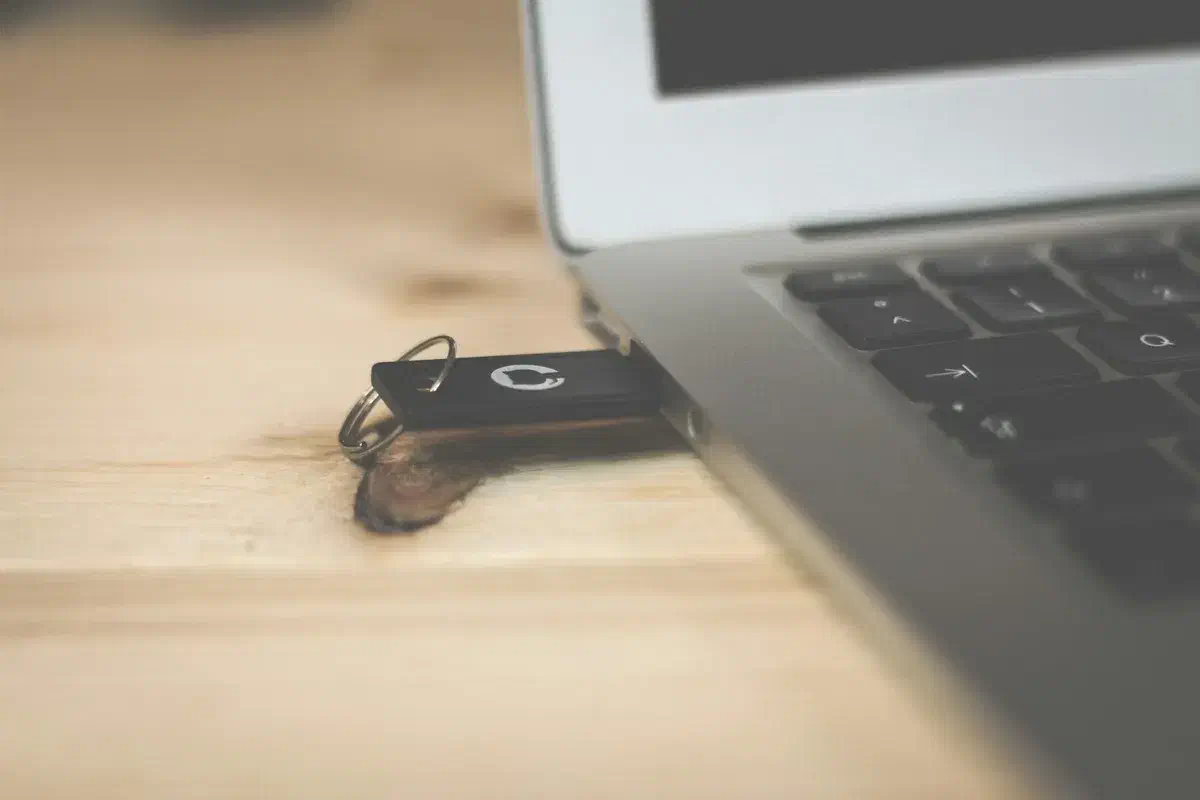
You can run it directly from a USB drive.
No changes to your system. No risk.
This is called a “Live USB”.
What is a Live USB?#
A Live USB lets you boot into Linux without installing anything on your computer.
Your existing system (like Windows) stays untouched.
You can:
- Browse the internet
- Watch videos
- Explore the desktop
- Open files
Once you shut down, everything goes back to normal.
What You Need#
You don’t need much:
- A USB drive (at least 8 GB)
- A Linux ISO file (Ubuntu is a good start)
- A tool to create a bootable USB (like Rufus or Balena Etcher)
Step 1 — Download Linux#
Go to the official Ubuntu website and download the ISO file.
This is the file that contains the full operating system.
Step 2 — Create the Live USB#
Use a tool like Rufus (Windows) or Balena Etcher.
Steps are simple:
- Select the ISO file
- Select your USB drive
- Click Start
Wait a few minutes.
Your USB is now ready.
Step 3 — Boot from USB#
Insert the USB and restart your computer.
While booting, press the boot menu key:
- Usually F12, F2, ESC, or DEL
Select your USB drive.
Step 4 — Choose “Try Linux”#
You’ll see an option:
“Try Ubuntu” (or similar)
Select it.
Linux will start loading.
What You Can Do Now#
Once it loads, you’re inside Linux.
Try things like:
- Open browser
- Play a YouTube video
- Connect WiFi
- Explore files
Don’t worry about breaking anything.
You can’t damage your system here.
What to Expect#
A few things to keep in mind:
- It may feel slightly slower (running from USB)
- Changes won’t be saved after shutdown
- Hardware support might vary
This is just a test environment.
Why This Matters#
Most people hesitate to try Linux because they think it’s a big commitment.
It’s not.
This is the easiest way to answer one simple question:
“Can I actually use Linux?”
Final Thought#
You don’t need to understand everything before trying Linux.
Just spend 30 minutes exploring it.
That alone removes most of the fear.
If it feels comfortable, you can move to installation later.
If not, just remove the USB and go back.
Nothing changes.
If this helped, you might like future notes like this.